
Managing your NDIS plan online can seem tough. But with a simple walkthrough, you can easily get the supports and services you need.
The NDIS Portal is a key tool for participants. Knowing how to use it well is crucial for reaching your goals.
This step-by-step guide will help you navigate the Portal easily. You’ll be able to focus on achieving your NDIS goals without hassle.
For more help, call a local NDIS expert at 1300 755 052. They’re available in cities like Brisbane, Melbourne, and Perth.
Key Takeaways
- Understand the basics of the NDIS Portal
- Learn how to manage your NDIS plan online
- Discover how to access supports and services
- Get tips on navigating the Portal with ease
- Find out how to contact local NDIS experts for personalised assistance
Understanding the NDIS Portal Basics
The NDIS Portal is a key entry point for NDIS services and plan management. Knowing its basics is vital for using it well. Our guide on what the NDIS is covers the fundamentals first.
What is the NDIS Portal and Why It Matters
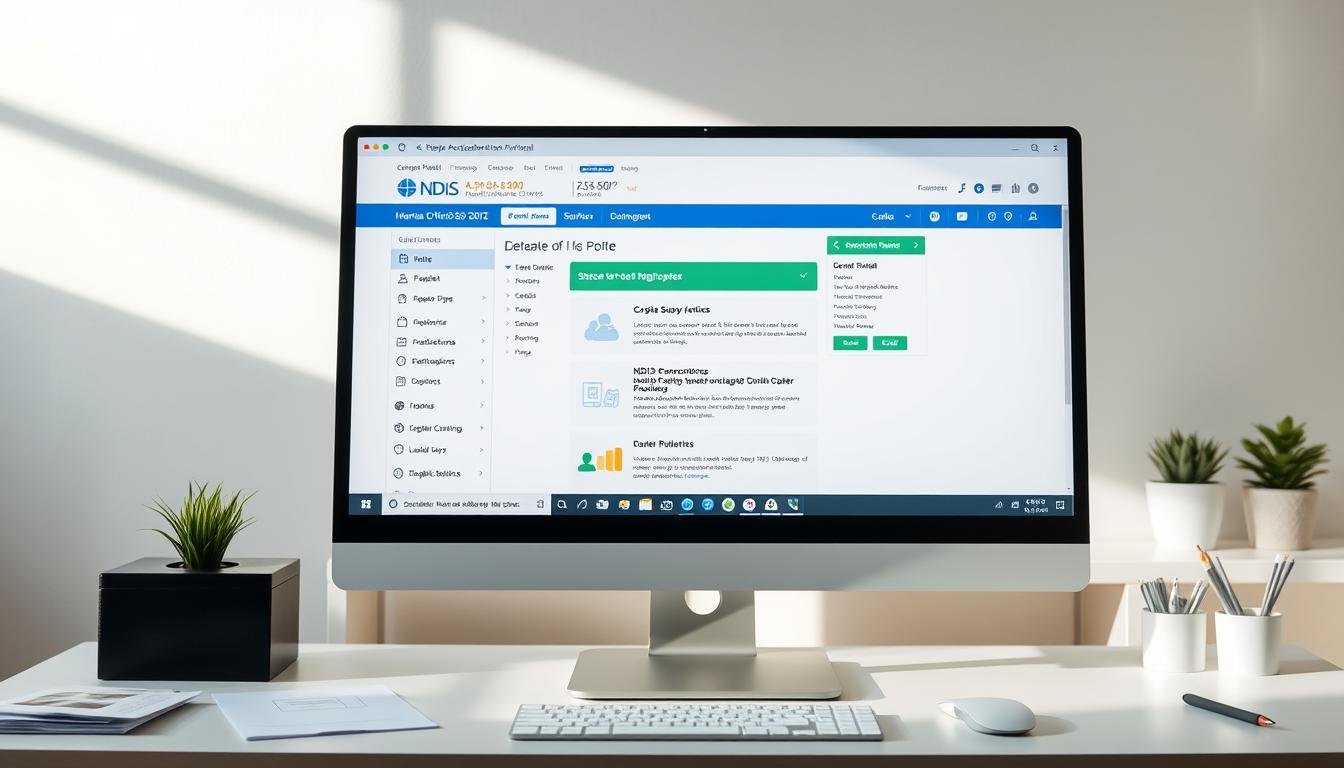
The NDIS Portal is more than a website. It lets you manage your NDIS plan, find services, and check your budget. Learning to use it is key for managing your plan effectively.
Setting Up Your myGov Account and NDIS Portal Access
To get into the NDIS Portal, you must set up a myGov account. Then link it to the NDIS Portal. You’ll need certain documents and info for this.
Required Documentation and Information
You’ll need to give ID documents and other important info to set up.
Security and Privacy Considerations
Keeping your info safe and private is very important. Use strong passwords and keep your login details to yourself.
| Step | Description |
|---|---|
| 1 | Create a myGov account |
| 2 | Link myGov to NDIS Portal |
| 3 | Provide required documentation |
If you need help with the NDIS Portal, call local NDIS experts. They’re available in Brisbane, Melbourne, and Perth at 1300 755 052.
NDIS Portal Navigation Tips: A Step-by-Step Guide
Using the NDIS Portal might seem hard at first, but it’s easier with a guide. It’s a key place for participants to manage their plans. Knowing how to use it is vital for getting the support you need.
Logging In and Dashboard Overview
To begin, logging into the NDIS Portal needs a myGov account linked to NDIS. After logging in, the dashboard shows your plan details. This includes your budget and available supports. Getting to know the dashboard is the first step in managing your NDIS plan well.
Viewing and Managing Your NDIS Plan
Understanding your NDIS plan is key. The portal lets you see your plan details, like your budget and funded supports. You can also change your plan, like updating your contact info or support needs.
Finding and Connecting with Service Providers
Finding the right service providers is important. The portal helps you do this in several ways:
Searching for Providers in Your Area
You can search for providers by location, support type, and preferences. This helps you find providers that fit your needs.
Reading Provider Reviews and Ratings
The portal has reviews and ratings from other users. Reading these reviews helps you choose the best providers. It saves time and ensures quality services.
| Step | Description | Benefit |
|---|---|---|
| 1. Log In | Access your myGov account linked to NDIS | Secure access to your NDIS plan |
| 2. Dashboard Overview | Review your plan details and budget | Understand your plan’s components |
| 3. Find Providers | Search for providers based on your needs | Access to suitable service providers |
If you need extra help, contact local NDIS experts in Brisbane, Melbourne, and Perth. Call 1300 755 052 for support.
Managing Your NDIS Funds and Services
To get the most from your NDIS, learning to manage your funds and services is crucial. The NDIS portal makes this easy. By getting to know the portal, you can make the most of your plan.
Checking Your Budget and Spending
The NDIS portal lets you check your budget and spending. This is key to staying within your funds. Regularly checking your spending helps you make smart choices about services and providers.
To see your budget, go to the ‘Budgets’ section. Here, you’ll find how much you have and what you’ve spent. This info is key for planning your supports and services.
Approving and Managing Service Bookings
Managing service bookings is vital on the NDIS portal. Quick approvals mean your providers get paid on time, keeping your relationship strong.
In the ‘Service Bookings’ section, you can check upcoming bookings, make changes, or cancel. It’s important to keep an eye on your bookings to match your needs and budget.
Troubleshooting Common Portal Issues
Even though the NDIS portal is easy to use, you might run into problems. Issues like payment problems and service booking errors are common.
Payment Request Problems
If you have payment issues, first check that you’ve submitted the request correctly. If it still doesn’t work, talk to your service provider to check their details.
Service Booking Errors
For booking errors, double-check your booking details. If the problem doesn’t go away, contact your provider or an NDIS expert. You can call 1300 755 052 for help in Brisbane, Melbourne, and Perth.
Understanding how to use the NDIS portal effectively has been a game-changer for managing my plan and services.
This shows how important it is to know the portal well to get the most from your NDIS.
Conclusion: Getting Support with Your NDIS Portal
Learning to use the NDIS Portal takes time and practice. It’s crucial to have local NDIS experts for personalized support.
If you’re in Brisbane, Melbourne, or Perth, call 1300 755 052 to reach a local expert. You can also visit the Metro Healthcare website for more details on their NDIS services.
Getting help when you need it will help you use the NDIS Portal with confidence. This way, you can fully benefit from the resources and support available. With a simple walkthrough like this, NDIS participants can save time and avoid mistakes.
FAQ
What is the NDIS Portal and how do I access it?
How do I find and connect with service providers on the NDIS Portal?
How do I check my budget and spending on the NDIS Portal?
Can I get help with using the NDIS Portal if I’m having trouble?